The bowl that knows who's eating.

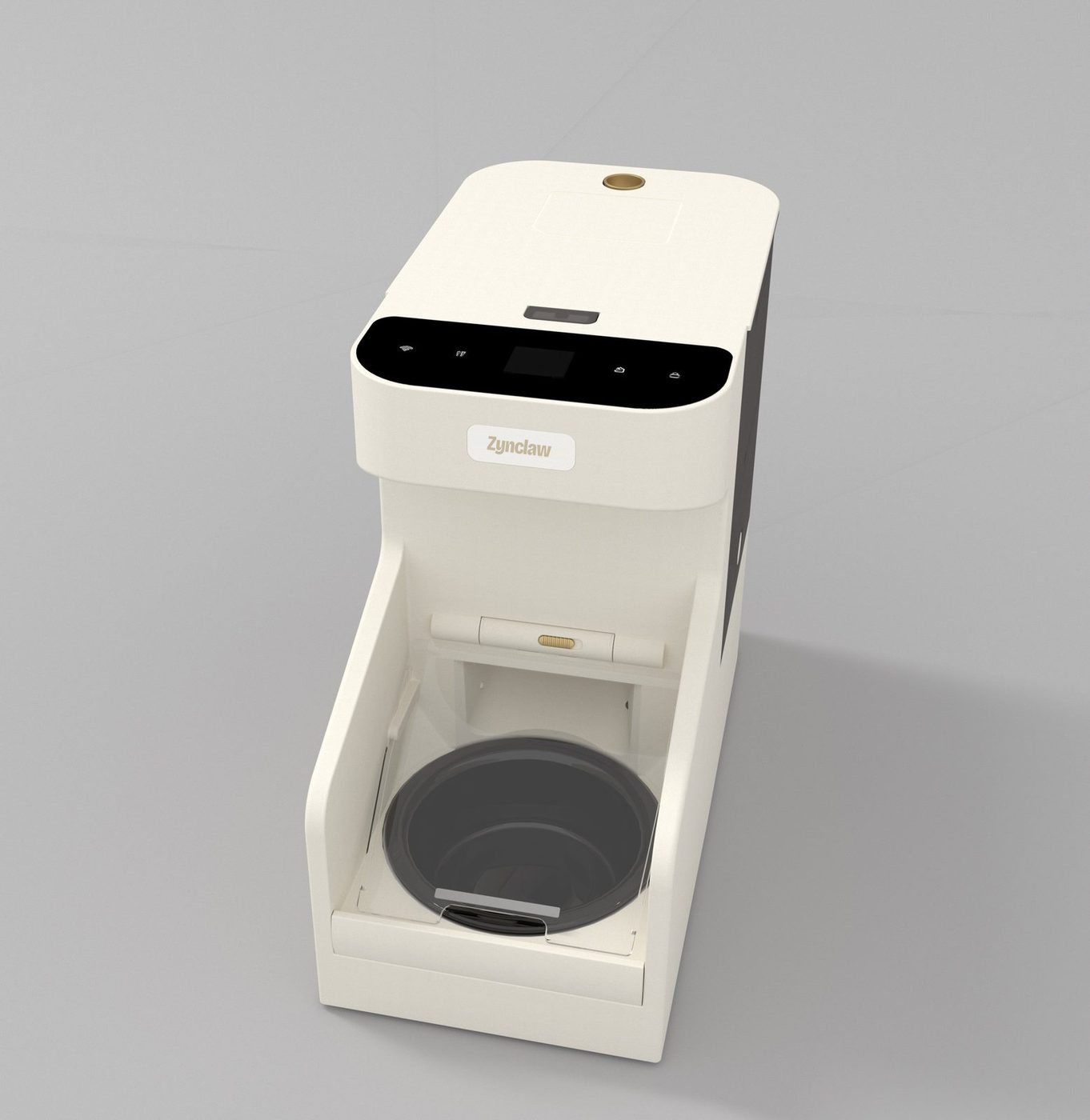
The Zynclaw RFID Smart Feeder reads the tag on your pet's collar. The door opens for the pets you register and stays shut for everyone else, so each pet eats the food that's meant for them.

  • 3 L hopper
  • Up to 20 tags per feeder
  • Keeps feeding without Wi-Fi
  • Cats and small dogs
Cream-colored RFID smart feeder with a black control panel and a dark ceramic bowl
The screen shows who's at the bowl
A tabby cat and a puppy lying together on the grass

One home, different diets.

With an ordinary feeder, whoever is fastest eats the most. Give each diet its own feeder and only the right tag opens it.

  • Mochi5 months old, on kitten food
  • Luna13 years old, on a kidney diet
  • Pepper3 years old, eats from any bowl he can reach

How it works

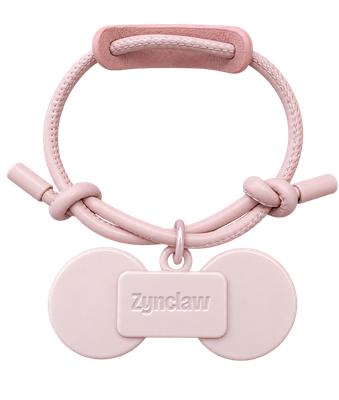
  1. Pink collar with a white RFID tag

    Put the tag on the collar

    One RFID tag comes in the box. Add more tags for more pets.

  2. Pair it with the feeder

    Start pairing in the app and drop the tag into the bowl. The screen confirms when it's done.

  3. Your pet walks up

    The feeder reads the tag, opens the door and shows your pet's name.

  4. Everyone else waits

    The door closes when your pet walks away. Pets without a registered tag can't open it.

A screen that tells you what's going on.

Each pet's portrait and name come up when they arrive. Feeding, the door, the lock and problems like a jam show on the feeder itself, even when the Wi-Fi is down.

Every day

Alerts

Made to feed every day without fuss.

Feeder with the lid lifted, showing the tinted hopper and the portion wheel underneath

Even portions, fewer jams

A rotating portion wheel measures out one portion at a time. A soft silicone brush and stirrer keep kibble moving so it doesn't get stuck. Set a schedule in the app or press the feed key for an extra portion.

  • Dry kibble under 16 mm
  • Scheduled and manual feeding
Top view of the feeder showing the control panel with the screen and four keys

Keys on the feeder, not only in the app

Feed, door, lock and Wi-Fi keys sit on the top panel. If your internet drops, the keys and the feeding plan saved on the feeder keep working. Hold the lock key for 2 seconds and curious paws can't press anything.

  • Works offline
  • Child lock
  • Door opens by hand for 10 s
Side view of the feeder with its tinted 3 litre hopper window

A 3 L hopper you can see into

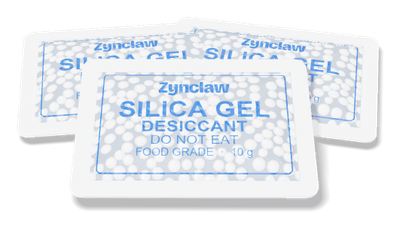
The tinted window shows how much food is left. A desiccant pack clips inside the lid to keep kibble dry, and the app reminds you when it's time for a new one.

  • 3 L capacity
  • 10 g desiccant included
Three-quarter view of the feeder on a warm beige background

Meals keep coming during a power cut

With batteries in the backup compartment, the feeder switches over on its own and keeps to the schedule. The screen lets you know it's running on battery, and again when the battery gets low.

  • USB-C power, 5 V 2 A
A tabby cat wearing a collar with a small tag, sitting on cream-colored stairs

One small tag on the collar.

The feeder recognizes the RFID tag your pet wears, not an implanted microchip. One tag is in the box, and each feeder remembers up to 20, so several pets can share a feeder while the rest are kept out.

A QR code on the tag can hold your pet's profile and your contact details in case they get lost.

  • Blush
  • Sky
  • Cream

Let a pet in, or keep one out

Tag opens
The door stays closed and opens for registered tags. This is the default.
Tag closes
The door stays open and closes when a registered tag comes near. Handy for keeping the dog out of the cat's food.
Always open
The door stays open for everyone, for example while a pet gets used to the feeder.

See who ate, and when.

The Zynclaw app connects to the feeder over Wi-Fi. Feed from anywhere, open or close the door, and set feeding plans. Every visit is logged with the pet's name, the time and how long they stayed.

  • Alerts for low food, jams, door problems, low battery and the feeder going offline
  • Choose the portrait and name each pet gets on the feeder's screen
  • Switch door modes and pair new tags
Feeder, three-quarter view

Zynclaw RFID Smart Feeder

Model ZY-F1

$299

Color
Cream
In the box
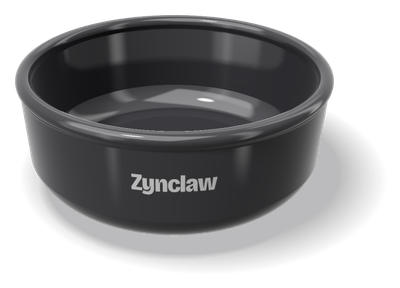
Feeder, 1 RFID collar tag, ceramic bowl, power adapter

Specifications

ModelZY-F1
Hopper capacity3 L
Dimensions360 × 170 × 300 mm (14.2 × 6.7 × 11.8 in)
WeightAbout 2.8 kg (6.2 lb)
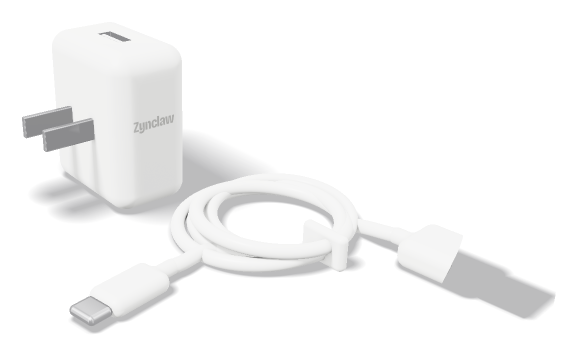
PowerDC 5 V 2 A, USB-C adapter with 1.5 m cable; backup battery compartment
Connectivity2.4 GHz Wi-Fi; Bluetooth for setup
Pet recognitionRFID collar tags, up to 20 per feeder. Does not read implanted microchips.
Screen1.44 in color LCD, 128 × 128
FoodDry kibble under 16 mm
MaterialsABS body, ceramic bowl
Suitable forCats and small dogs

What's in the box

  • Smart feeder1
  • RFID tag with collar1
  • USB-C power adapter and 1.5 m cable1
  • Ceramic bowl1
  • Desiccant pack, 10 g1
  • User manual1

Questions before you buy

Does it read my pet's implanted microchip?

No. It reads the RFID tag that hangs on the collar. One tag is included, and extra tags are sold separately.

Does it work with 5 GHz Wi-Fi?

No, it connects to 2.4 GHz networks only. Most routers broadcast both, so pick the 2.4 GHz network during setup.

What happens if the internet goes down?

The feeding plan saved on the feeder keeps running, and the keys on the feeder still work. Remote feeding and app alerts come back when the connection does.

And during a power cut?

With batteries in the backup compartment, the feeder switches over without missing a scheduled meal and shows “Power unplugged” on the screen.

How many pets can use one feeder?

Up to 20 tags can be paired with one feeder. One feeder holds one kind of food, so pets on different diets each need their own feeder.

Can two feeders stand side by side?

Yes, but keep them at least 30 cm (12 in) apart so their tag readers don't pick up each other's pets.

What size of food fits?

Dry kibble under 16 mm across. The feeder doesn't dispense wet food.

How do I stop pets or kids from pressing the keys?

Hold the lock key for 2 seconds. While locked, pressing a key only shows a reminder on the screen. Hold it again to unlock.